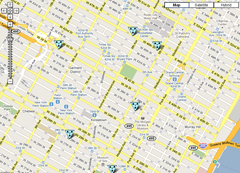
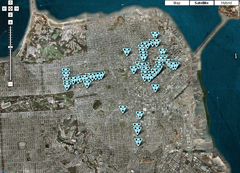
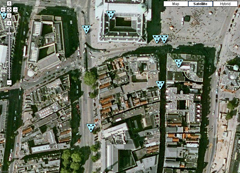
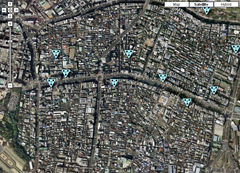
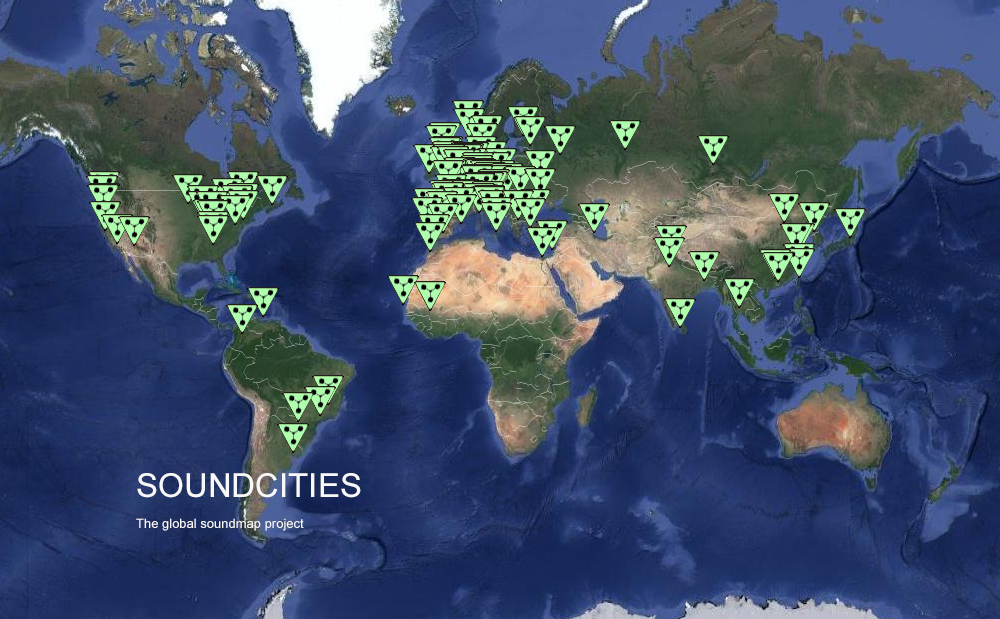
It would be great if you would submit sounds to the Soundcities project, wherever you are based in the world. Soundcities now has thousands of sounds from hundreds of contributors including field recordists, musicians, and artists across the globe. Sounds have been submitted from all parts of the world from central London to Montevideo. The sounds you submit take any form, streets sounds, talking to people, the sounds of industry, ambient sounds and bird sounds. Contributions can be made from the submit page automatically. This project is not funded and I am grateful to everyone who has taken their time to submit sounds from schools to university projects and individuals. Soundcities is an ongoing work, so there’s no deadline for submissions. If you would like to use any of the sounds for any purpose, please get in touch.
READ THIS FIRST BEFORE UPLOADING SOUNDS TO SOUNDCITIES MAP.
If you create a new city, please add more than one sound to this city. I know it all takes time, but if you create a new city please add a minimum of five sounds. I appreciate this and your contribution makes it a much better project. Thanks. Also please label the city with one name for example: New York or Paris. Prepare your sound as mp3s and create a description of the sound or music. And please keep it clear and simple for example. A baby crying near a train. Its pretty easy you can just click submit and have a go. It might help to read below first to give you some idea..
If you are a teacher and you want your class to create a sounds project great and you can always email me if you get stuck.
NEW USER
A In the top menu click on submit to add a new sound .
B Have you added a sound here before? Go to NO and add your name and email. Your name will appear. Next follow these steps below.
C Which City or create a new city (remember just the city name please) OR if you are adding to a city that is already there just go to that city.
D Add description. Keep it simple. Description of music. Example. A baby crying near a train.
E Upload sound. Upload the sound ie paris_talk1.mp3
F Choose Mood. Then choose mood from the pull down, ie traffic or vocals etc .
G Press Submit.
H Move sounds on map to the correct position by clicking on your sound (the red triangle) and moving it to where it was recorded or until you are happy with the position it is now in. Please repeat and add more sounds, thanks
Sometimes people have a problem moving the sounds to the correct place. First drag the triangle and if it doesn't end up where you want it to be click the X in the window that surrounds the sound. This will allow you to keep moving it, and you can also zoom in and out on the map. You can keep moving the sound until you are happy.
RETURNING USER
A In the top menu click on submit to add a new sound .
B Are you previously registered i.e. returning user. If so, scroll down and get your user name.
C Then click the city.
D Add description.Keep it simple. Description of music. Example . A baby crying near a train.
E Upload sound. Upload the sound ie paris_talk1.mp3
F Then choose mood from the pull down, ie traffic or vocals etc.
G Then press submit
H Then move the sound to the right position on the map by clicking on you red sound and moving it to where until you are happy with the position. Please repeat and add more sounds, thanks
Sometimes some users have a problem moving the sound to the correct place on the map. First drag the triangle and if it doesn't end up where you want it to be click the X in the window that surrounds the sound. This will allow you to keep moving it, and you can also zoom in and out on the map. You can keep moving the sound until you are happy its in the right place you recorded it.
ADDING A NEW CITY. IF YOU ADD A NEW CITY IT WILL APPEAR ON THE MAP AS A RED TRIANGLE. DRAG THIS TRIANGLE TO ITS CORRECT LOCATION .
RECORDING AND EQUIPMENT.
I use a zoom H6 and also use an Edirol. You can use any sounds recording equipment right through to hi end professional gear. Make the sounds 10 seconds long to a minute in length. Record the sounds in the best quality you can. Then edit and prepare your sound as mp3s using a sound editor for example I use Audacity. Please create a description of the sound or music. And please keep the description clear and simple for example. A baby crying near a train. Email me if you need help.
 
|